


What if your client walked away because they did not understand the value of your SEO work – even if it was actually helping them?
In the crowded world of online marketing, clients don’t just want results—they want to feel confident in your work. A confusing, generic report filled with jargon won’t cut it. To keep clients happy (and paying), you need a clean, easy-to-understand SEO report that’s branded with your agency’s name and makes your hard work shine.
Agencies using white-label tools (reports with their branding, not a tool’s logo) keep 35% more clients long term.
That’s where white label SEO services and reports come in. They help you present your work in a polished, branded format — making it easy for clients to see the progress and success of their campaigns.
If clients can’t see and trust what you are doing, they will leave – no matter how good your SEO strategy is. As a digital marketing agency, delivering a clear, easy-to-understand SEO report is essential.
In this blog, we will show you how to create simple, professional white-label SEO reports without stress. We’ll share free templates, easy tools, and tips to make your reports client-friendly.
Are you ready? Let’s get started!
Table Of Contents
- Why White-Label SEO Report Matter?
- What Exactly Is a White Label SEO Report?
- The Essential Tools for Creating White-Label SEO Reports
- How to Conduct a White Label SEO Audit (Step-by-Step)
- Designing a Client-Friendly White Label SEO Dashboard
- Best Practices for White Label SEO Reporting
- Where to Find Free White Label SEO Report Templates
- Why Choose SEO Discovery for White Label SEO Reports?
- FAQs About White Label SEO Reports
Why White-Label SEO Report Matter?
A white label SEO report is more than just a document with data, it is a powerful tool that showcases your agency’s expertise while strengthening client relationships. With your branding front and center, these reports allow clients to see clear progress. Understand the value of your work, and build trust in your agency.
Unlike generic reports that may confuse clients with unnecessary jargon and complex graphs, a white label seo audit report provides a customized, easy-to-read format that focuses on what matters most. The result? Happier clients and long-term partnerships.
What Exactly Is a White Label SEO Report?
A white label SEO report is a customized document or dashboard that displays SEO performance data—keyword rankings, traffic growth, backlinks, etc.—under your agency’s branding. It strips away the logos of third-party tools (like Google Analytics or Moz) and replaces them with your company’s name, colors, and logo. Think of it as a “white canvas” that lets you present data your way.
These reports often include:
- A white label SEO audit section (highlighting technical issues and fixes).
- Performance summaries (traffic, rankings, conversions).
- Competitor comparisons.
- Actionable recommendations.
The Essential Tools for Creating White-Label SEO Reports
You don’t need a big budget or a tech team to build polished reports. With the right white label SEO analysis tools and dashboards, you can create professional reports that impress clients and reinforce your brand’s credibility.
Here are the top white label SEO tools to consider:
1. AgencyAnalytics
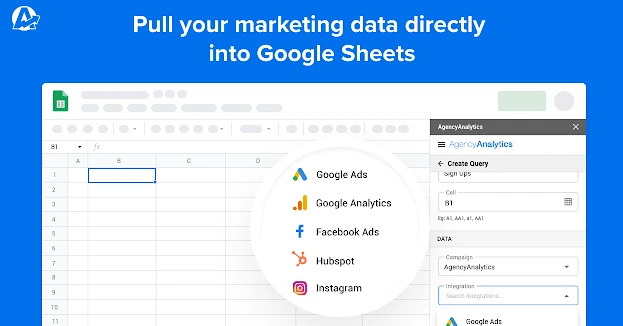
AgencyAnalytics is a powerhouse for creating white-label SEO dashboards. It connects to Google Search Console, Google Analytics, and keyword tracking tools, pulling data into one sleek, branded interface. You can customize every element, from fonts to client login pages, and even automate report delivery. Additional features include competitor analysis, site audits, and backlink monitoring.
Best For: Agencies that want an all-in-one white label SEO dashboard with client access.
2. SE Ranking
SE Ranking offers comprehensive white label SEO reports with complete branding and white label client access. Its drag-and-drop editor lets you remove all third-party logos and tailor reports to match your agency’s style. Plus, it includes a white label SEO audit tool to scan websites for technical issues.
Best For: Teams that want affordable, user-friendly reporting.
3. DashThis
DashThis is a simple, no-frills tool that integrates with Google Data Studio, SEMrush, and more. While it’s less SEO-specific, its white label SEO report templates are clean and easy to customize. You can also automate report generation and share interactive dashboards with clients.
Best For: Agencies on a tight budget.
4. Google Looker Studio (Free)
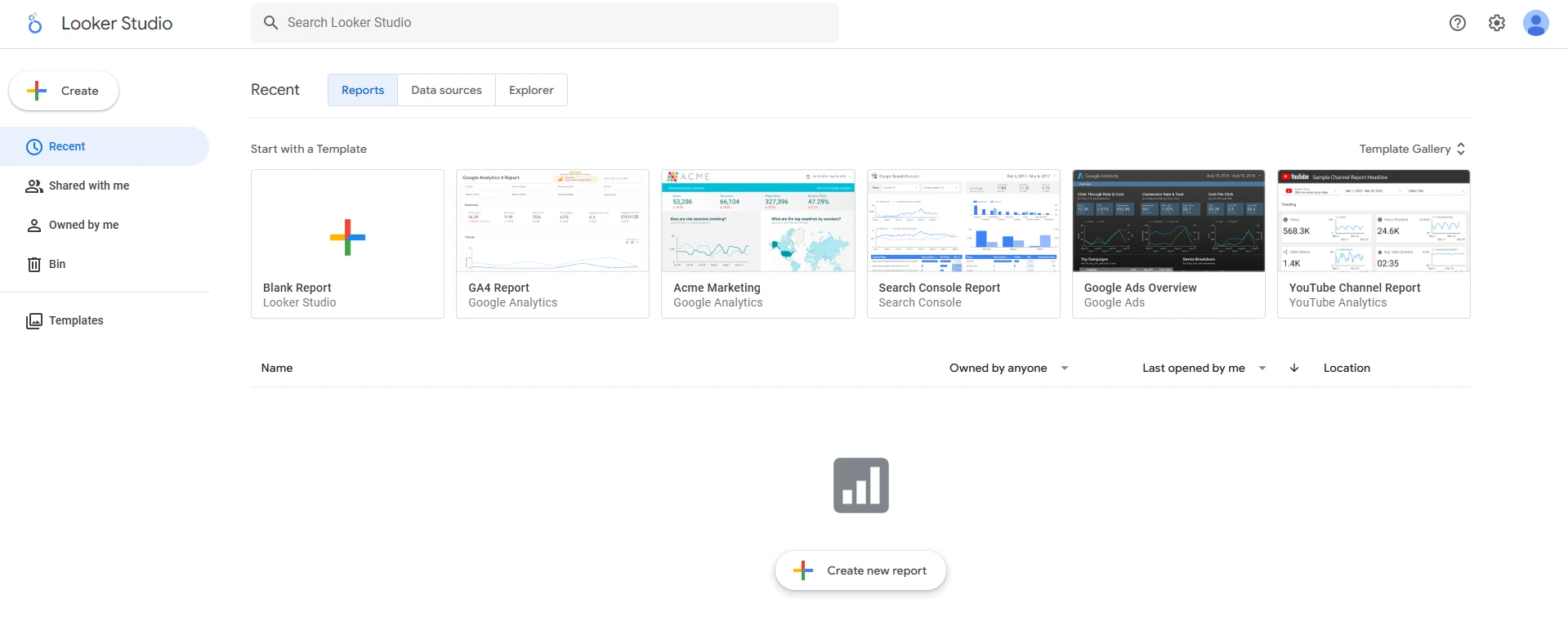
Yes, you can build free white label SEO reports using Google Looker Studio. While it requires more manual setup, it’s entirely free and fully customizable. Pair it with a white label SEO audit tool like Screaming Frog, and you’ve got a budget-friendly reporting system.
Best for: Startups or solopreneurs who need the best free white label SEO reports.
5. SEMrush
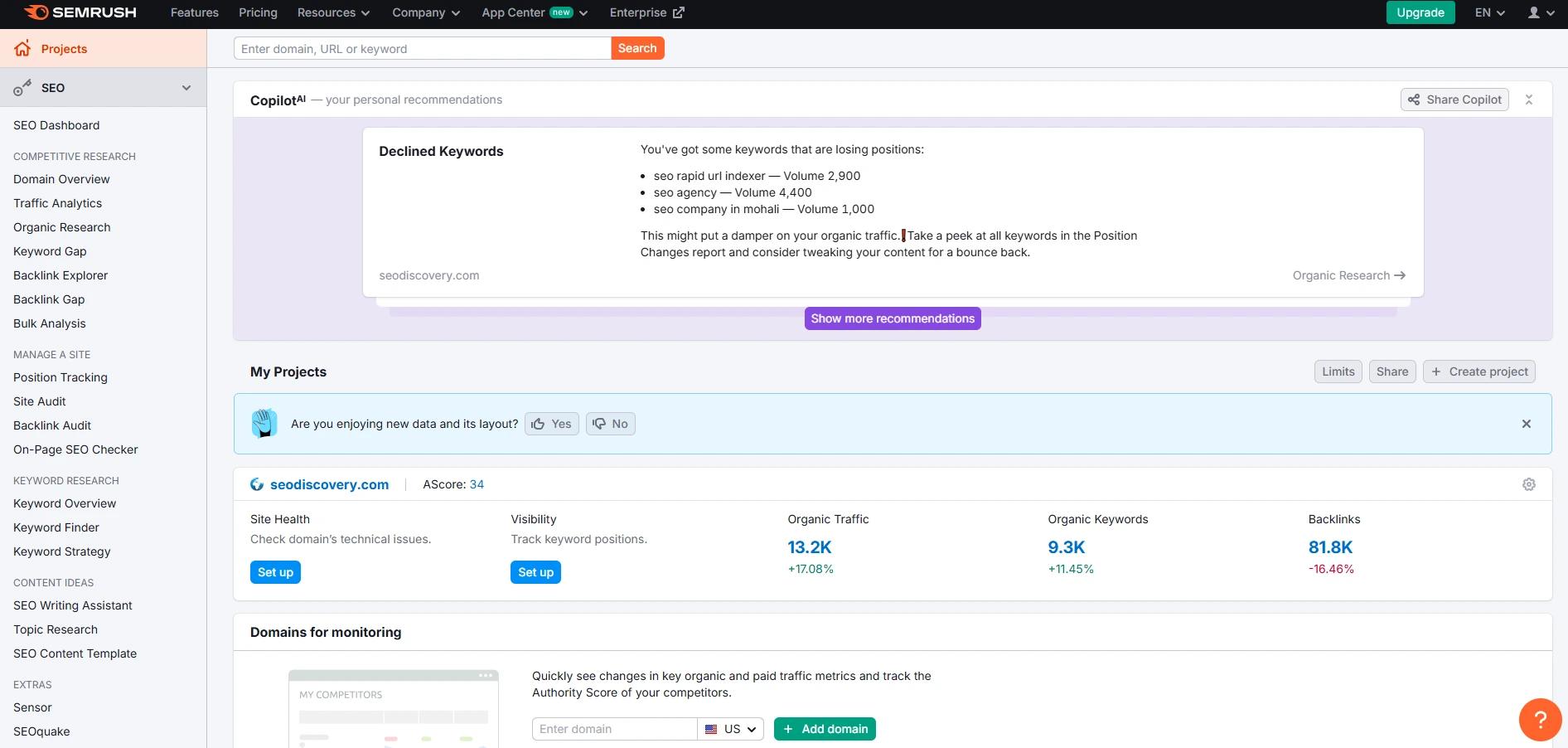
Semrush is a leading SEO platform that provides detailed insights into organic search performance, backlink analysis, and competitor research. Its white label SEO reports are highly customizable and include visual data representations. You can generate automated reports or present real-time data to clients using their branded dashboards.
Best for: Agencies focused on competitor analysis and large-scale SEO campaigns.
6. ReportGarden
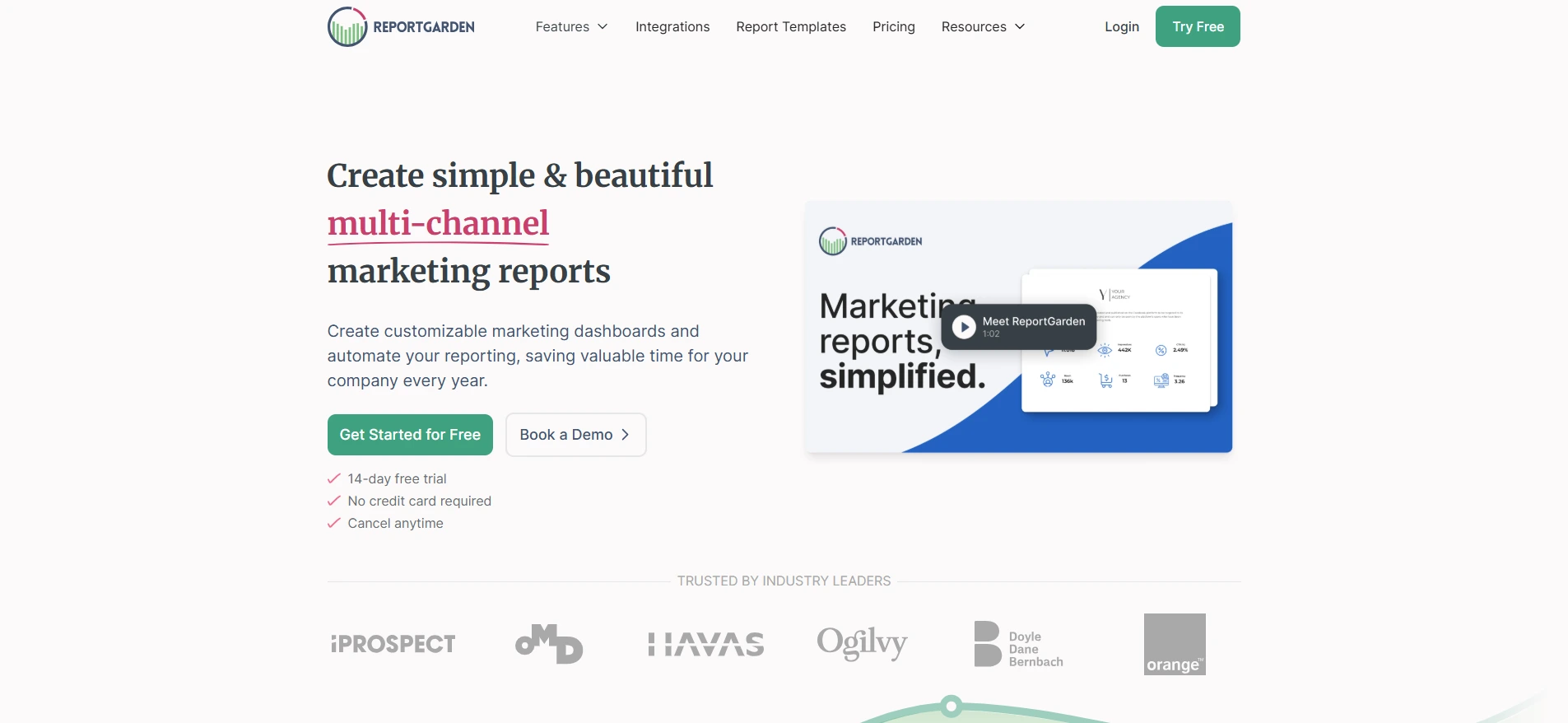
ReportGarder is designed specifically for agencies offering digital marketing services. It supports white label reporting for SEO, PPC, and social media campaigns. Its drag-and-drop editor makes it easy to design reports that reflect your agency’s branding.
Best for: Agencies that manage multiple marketing channels.
7. Whatagraph
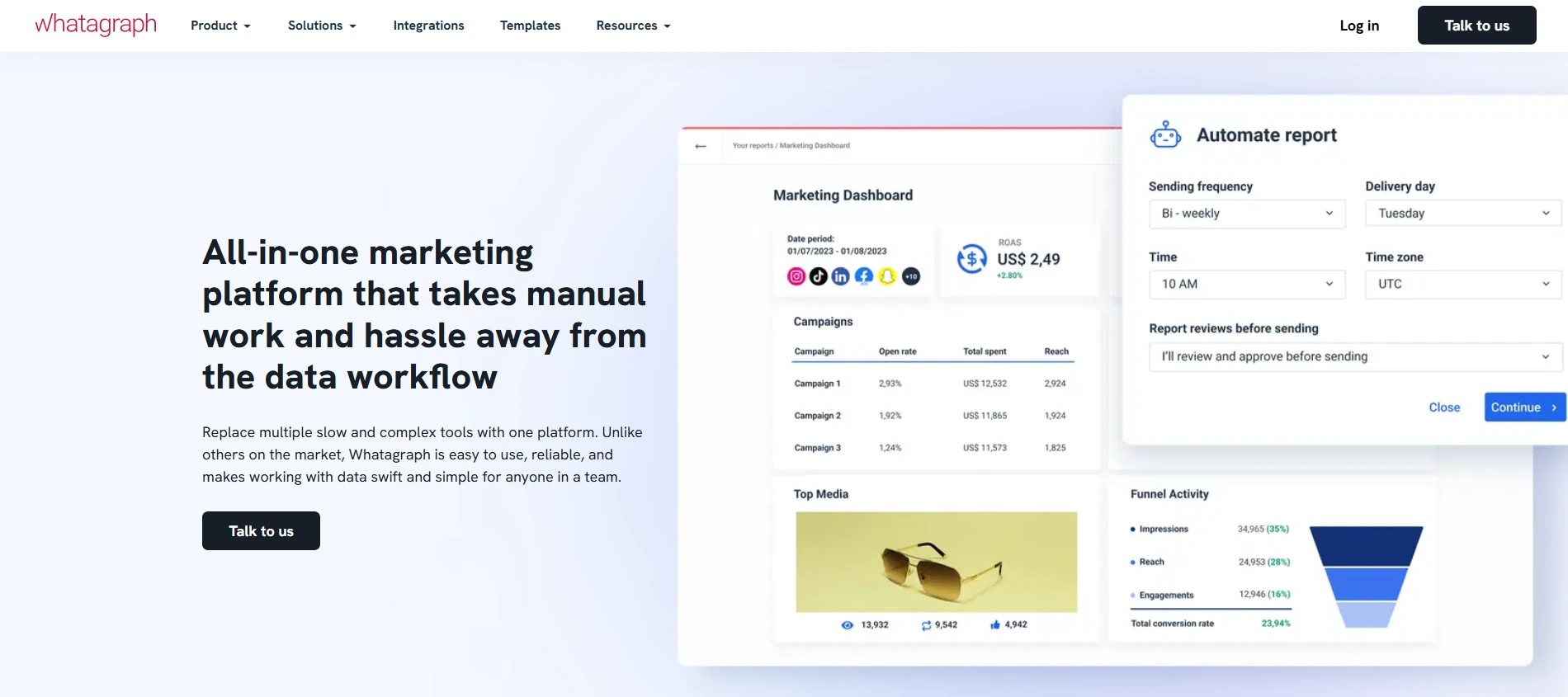
Whatagraph simplifies data visualization by pulling real-time data from SEO tools like Google Analytics, Ahrefs, and SEMrush. It offers fully branded white label reports with automated delivery. You can also add personalized insights and recommendations for a tailored client experience.
8. BrightLocal
For agencies focusing on local SEO, BrightLocal offers specialized white label reporting. It tracks local rankings, monitors reviews, and provides insights into Google Business Profile performance. The reports are customizable and easy for clients to understand.
Best for: Local SEO agencies and small businesses.
9. NinjaCat
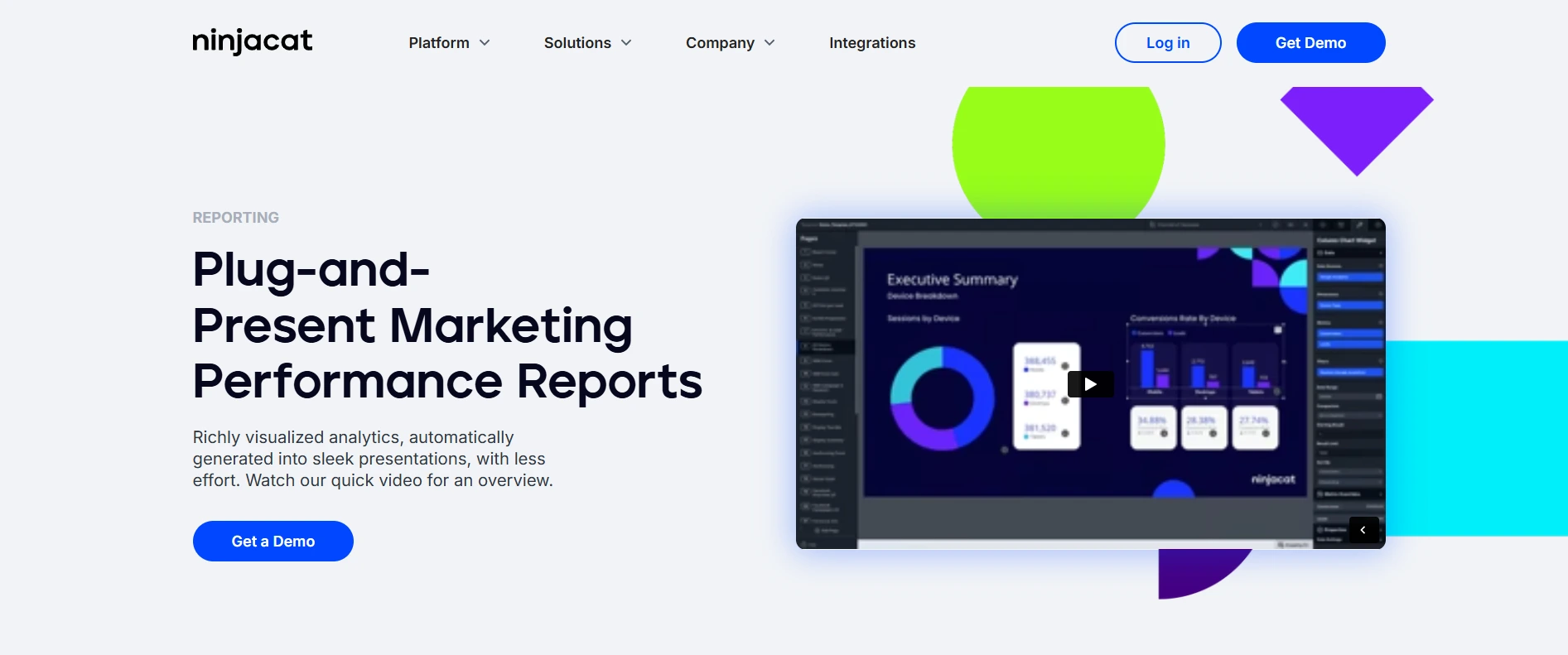
NinjaCat is a robust reporting platform for agencies managing large portfolios. It offers white label SEO reports with integrations to dozens of marketing tools. Features like automated reporting and performance monitoring make it ideal for agencies handling high client volumes.
Best for: Enterprise-level agencies and large-scale operations.
10. Raven Tools
Raven Tools combines white label SEO reports with in-depth analysis. It covers keyword research, backlink tracking, and technical audits. The platform also integrates with Google Ads and social media for a holistic view of client performance.
Best for: Agencies providing full-service digital marketing.
Tired of Complex Reports? Simplify Your Client Reporting with Easy-to-Use White Label SEO Tools.
How to Conduct a White Label SEO Audit (Step-by-Step)
A white label SEO audit is the backbone of any great report. It is where you identify issues dragging down a client’s rankings and showcase your expertise. By offering detailed, actionable insights under your agency’s branding, you not only help clients improve their website performance but also reinforce your agency’s credibility. Here’s how to do it step-by-step.
1. Crawl the Website
Start by running a full website crawl using tools like Screaming Frog or SiteBulb. These tools will help you uncover key issues like:
- Broken Links: Check for 404 errors and fix them.
- Duplicate Content: Identify content that may be harming SEO.
- Slow Pages: Pinpoint slow-loading pages that impact user experience.
- Redirect Issues: Ensure all redirects are working correctly.
- Missing Metadata: Spot pages without proper meta titles and descriptions.
Export the data and present it in a clear, organized format using your white label SEO audit template. Ensure it’s easy for your client to understand the findings without technical jargon.
2. Analyze Competitors
A thorough competitor analysis helps clients see how they stack up against rivals. Use tools like Ahrefs, SEMrush, or Moz to:
- Identify competitors’ top-performing keywords.
- Analyze backlink profiles to find linking opportunities.
- Spot content gaps where competitors are ranking higher.
- Evaluate competitor site structure and user experience.
Compile the findings into branded charts and comparisons. Visual data will make the report more impactful.
3. Check Technical SEO
Technical SEO issues can significantly hinder a website’s ability to rank. Use Google Search Console and PageSpeed Insights to check for:
- Crawl Errors: Ensure search engines can effectively crawl the site.
- Mobile-Friendliness: Confirm the site is responsive and provides a good mobile experience.
- HTTPS Status: Ensure SSL certificates are correctly implemented.
- Core Web Vitals: Analyze loading speed, interactivity, and visual stability.
- XML Sitemaps & Robots.txt: Verify these files are optimized and up-to-date.
Present the technical findings in a straightforward manner, using actionable language for each issue.
4. Evaluate On-Page SEO
Assess how well the site’s content is optimized for search engines. Focus on:
- Title Tags & Meta Descriptions: Ensure they are relevant, engaging, and contain targeted keywords.
- Header Tags (H1, H2, H3): Confirm headers are structured correctly for readability and keyword optimization.
- Content Quality: Check for thin or duplicate content and recommend improvements.
- Internal Linking: Suggest opportunities to improve internal link structure for better navigation and SEO.
- Image Optimization: Verify images are compressed, have descriptive alt texts, and are correctly formatted.
5. Audit Backlink & Off-Page SEO
A strong backlink profile is crucial for SEO success. Use backlink analysis tools to:
- Identify toxic backlinks that could harm rankings.
- Analyze high-quality backlinks earned by competitors.
- Suggest strategies for building authoritative backlinks.
- Monitor the site’s domain authority and referring domains.
Provide clear insights and recommendations for backlink building and reputation management.
6. Creative Actionable Recommendations
Once you’ve gathered and analyzed all the data, it’s time to present it in a user-friendly report. Keep the recommendations simple, clear, and results-driven. Use a prioritized list with actionable language, such as:
- “Fix 15 broken links to improve crawl efficiency.”
- “Optimize 10 product pages with better keywords to increase conversions.”
- “Resolve mobile usability issues for a better mobile experience.”
Break down each recommendation with step-by-step instructions where necessary and explain the expected impact on SEO performance.
Designing a Client-Friendly White Label SEO Dashboard
A white label SEO dashboard is a live, interactive version of your report. It lets clients log in anytime to see their progress, which reduces “check-in” emails and builds trust. Here’s how to design one that clients love:
1. Focus on KPIs, Not Data Dumps
Show only the metrics that matter to the client. If they care about local SEO, highlight Google Business Profile clicks. If they want ecommerce sales, spotlight product page traffic.
2. Use Visuals, Not Spreadsheets
Turn keyword rankings into growth charts and backlinks into interactive maps. Tools like AgencyAnalytics let you drag-and-drop graphs without coding.
3. Add Context to Numbers
Don’t just say “Traffic grew by 20%.” Explain why: “Traffic grew by 20% after we optimized 15 blog posts for your top keywords.”
Best Practices for White Label SEO Reporting
Brand Everything: From the report cover to the footer, use your logo, colors, and fonts. Even the client login page for your SEO white label dashboard should scream your brand, not a tool’s.
Keep It Simple: Avoid jargon. Instead of “Domain Authority,” say “Website Strength Compared to Competitors.
Automate, But Personalize: Use templates to save time, but add a personalized summary for each client.
Highlight ROI: Tie SEO progress to business goals.
Where to Find Free White Label SEO Report Templates
If you’re just starting out, free white label SEO report templates can save hours. Here are our top picks:
Google Looker Studio Gallery: Search for “SEO report” templates, then customize them with your branding.
Canva: Canva’s Pro plan offers white label SEO report templates with drag-and-drop editing.
AgencyAnalytics Free Trial: While not entirely free, its 14-day trial gives access to premium templates you can white-label.
Why Choose SEO Discovery for White Label SEO Reports?
When it comes to delivering impactful white label SEO reports, we at SEO Discovery are your go-to partner. As the best SEO company, we know how important it is to present SEO data in a clear, branded, and results-driven manner.
Here’s how we stand out:
- Expertly curated reports
- Seamless branding
- Data-driven insights
- Regular monitoring & updates
- Dedicated support
Whether you’re a digital marketing agency looking to scale or a freelancer managing multiple clients, our white label SEO reporting solutions will elevate your brand and ensure client satisfaction.
Let’s Work Together to Deliver Transparent, Results-Driven Reports that Build Long-Term Client Relationships.
FAQs About White Label SEO Reports
White Label SEO is a service where an external provider manages SEO tasks on behalf of an agency. The agency offers these services under its own brand name, allowing them to expand their offerings without building an in-house SEO team.
Using white label SEO reports helps your agency appear more professional and builds brand credibility. They simplify client communication, improve transparency, and help retain clients by showcasing the impact of your SEO efforts in a clear, easy-to-understand format.
Some of the best white label SEO reporting tools include AgencyAnalytics for all-in-one reporting, SE Ranking for affordable and customizable reports, DashThis for simplified visual reports, Google Looker Studio for free and flexible reports, and SEMrush for data-rich reports and competitor analysis.
Yes, most white label tools offer SEO audit features. You can generate white label SEO audit reports using platforms like SE Ranking, AgencyAnalytics, and Screaming Frog to identify website issues and recommend improvements under your agency’s branding.
Yes, tools like Google Looker Studio allow you to create free white label SEO reports. While they may require more manual setup, they are fully customizable and ideal for freelancers or agencies on a budget.
A comprehensive white label SEO report typically includes an overview of key metrics such as traffic, rankings, and conversions. It also contains white label SEO audit findings and recommendations, competitor analysis, backlink profile insights, on-page and technical SEO progress, and future strategy suggestions.
Consider factors like your budget, the number of clients you manage, reporting customization needs, and integrations with other tools. For large agencies, platforms like NinjaCat or SEMrush may be ideal, while freelancers may benefit from free options like Google Looker Studio.
At SEO Discovery, we offer expertly crafted white label SEO reports designed to highlight your agency’s success. Our reports are clear, branded, and results-driven, helping you strengthen client relationships and showcase the impact of your SEO strategies.